Overview
Contents
Central Monitoring permissions are based on your OpenSearch roles and tenant.
The tenants you are in will determine what dashboards and data indices you are allowed to view.
View Tenant
To view which tenant you are currently in, open the user tab in the top right.
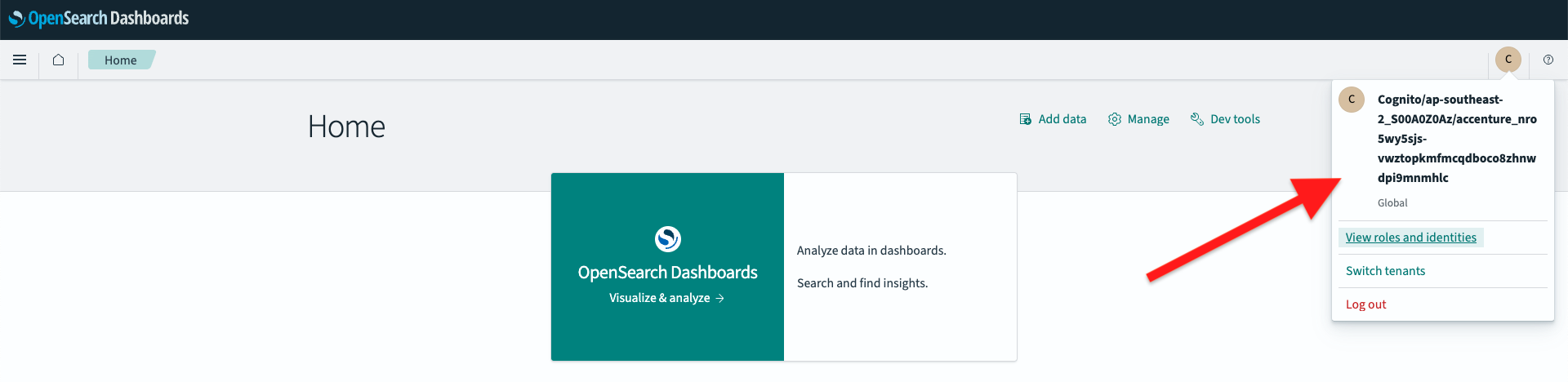
Here you will see your current tenant. In the example below the tenant is Global.
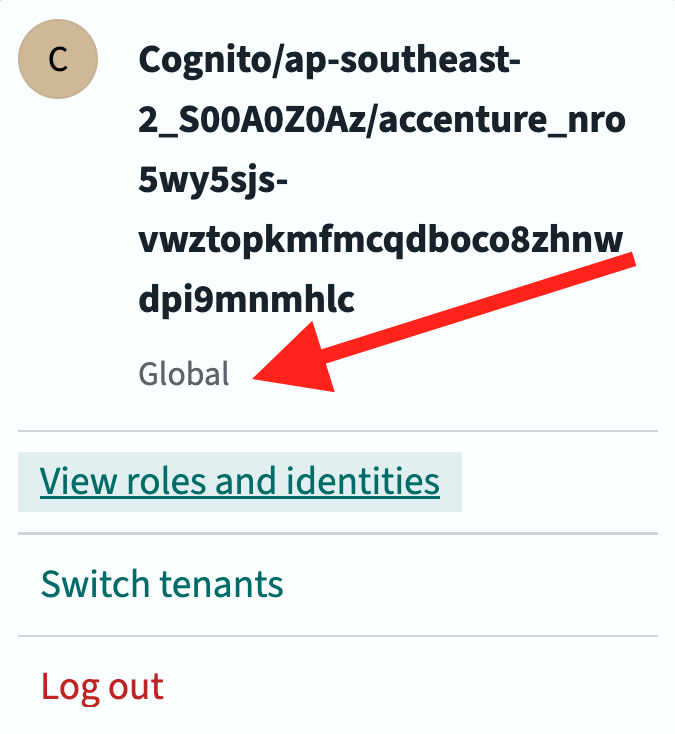
New users will automatically placed in the tenant named 'default', with no dashboards or data indices available.
To change your tenant, you can select 'Switch tenants'.
This will allow you to view a seperate collection of dashboards and data indices associated with the tenant you have switched to.
View Roles
Select View roles and identities to see your roles. A modal will pop up with the following information, showing you your assigned roles. You can ignore your backend role.
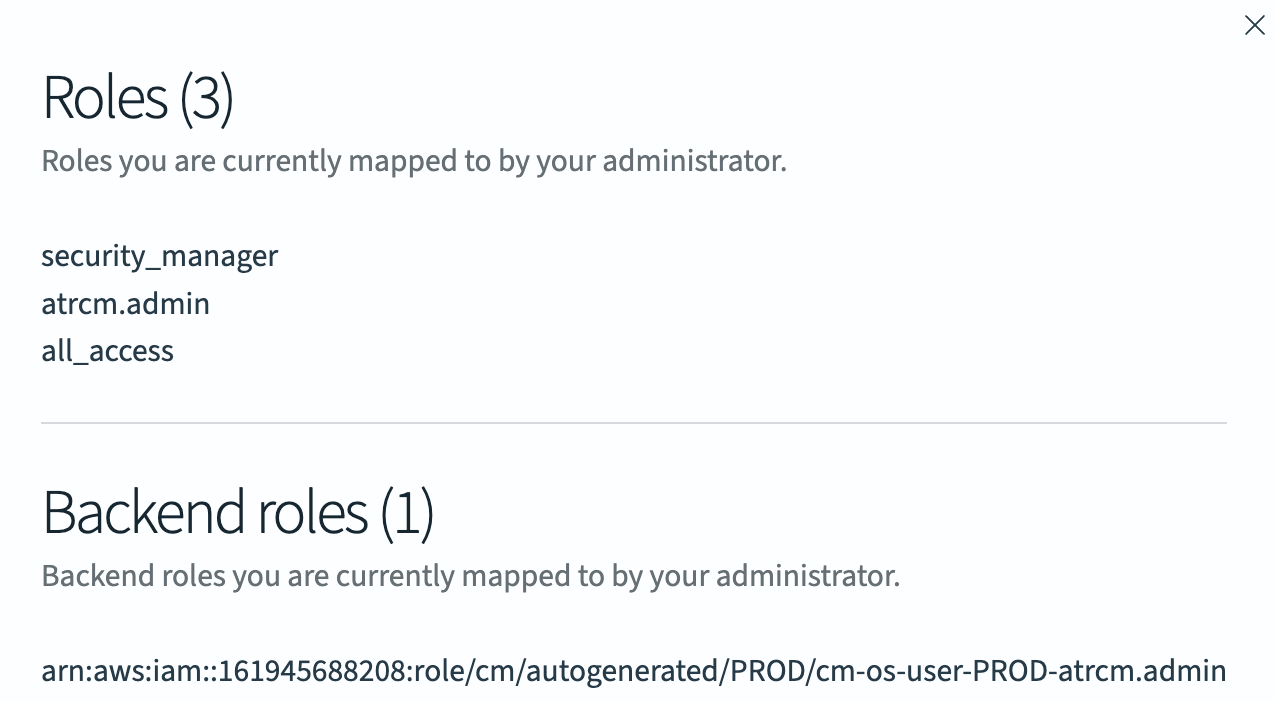
As you can see in the example above the user has 3 roles assigned.
Most commonly, you will have a single role with your EID in it.